
From table to Revit model. No retyping.
The Spation AI Revit agent uses AI to put unclassified table data — technical sheets, material schedules, product data sheets — into the right Revit parameters automatically. You keep the final check.
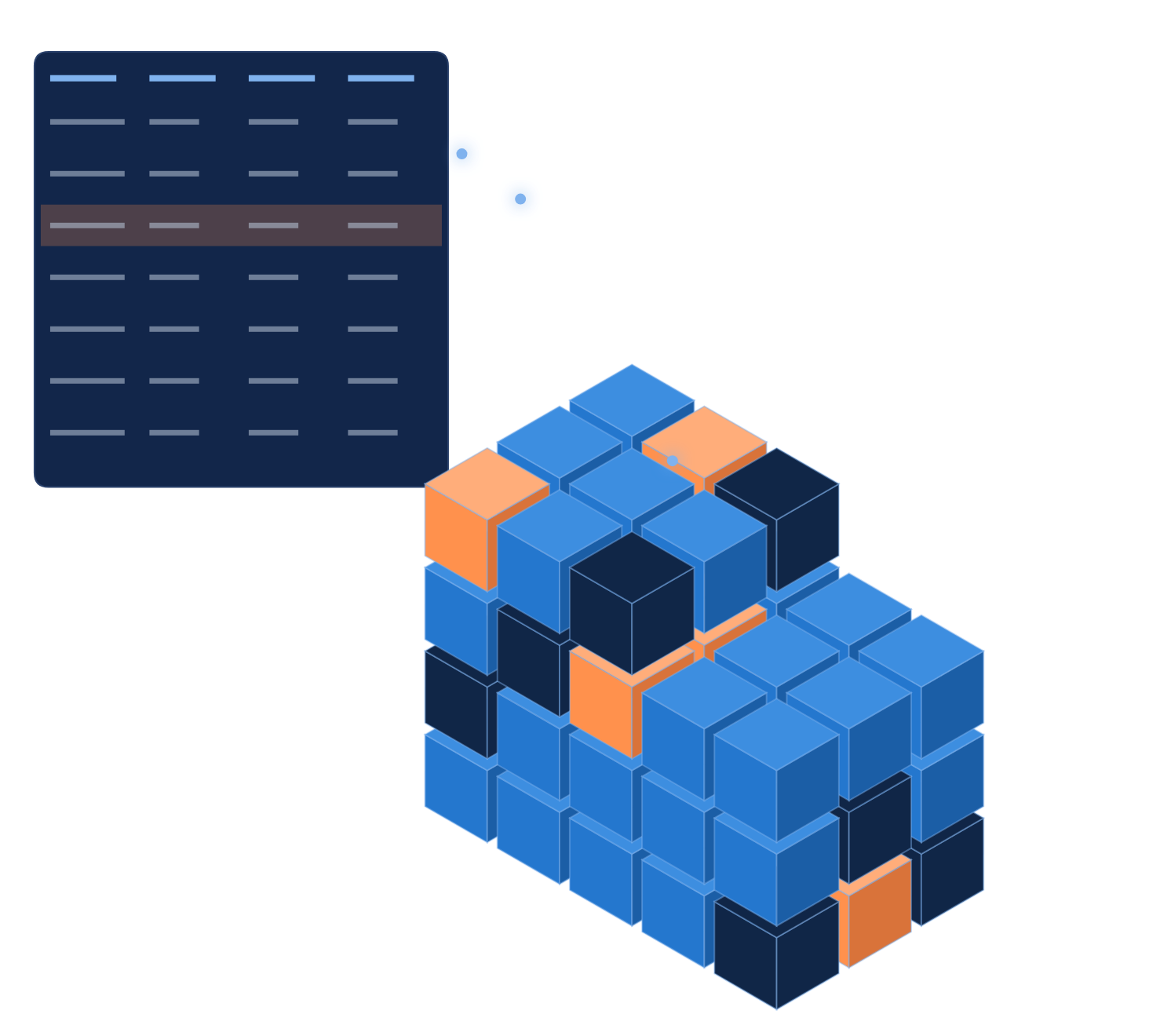
The model is finished. The information isn't.
BIM basis ILS and ILS O&E are agreed in the contract. But filling in parameters takes time — so it often doesn't happen.
Empty models
The information only exists in separate documents.
Inconsistent
Everyone records values slightly differently.
Not traceable
Afterwards, nobody knows which source a value came from.
Duplicate work
Checking takes just as long as entering.
Classify first, then transfer.
The table doesn't need to be classified. For each element, the agent finds the right row and fills in the parameters.
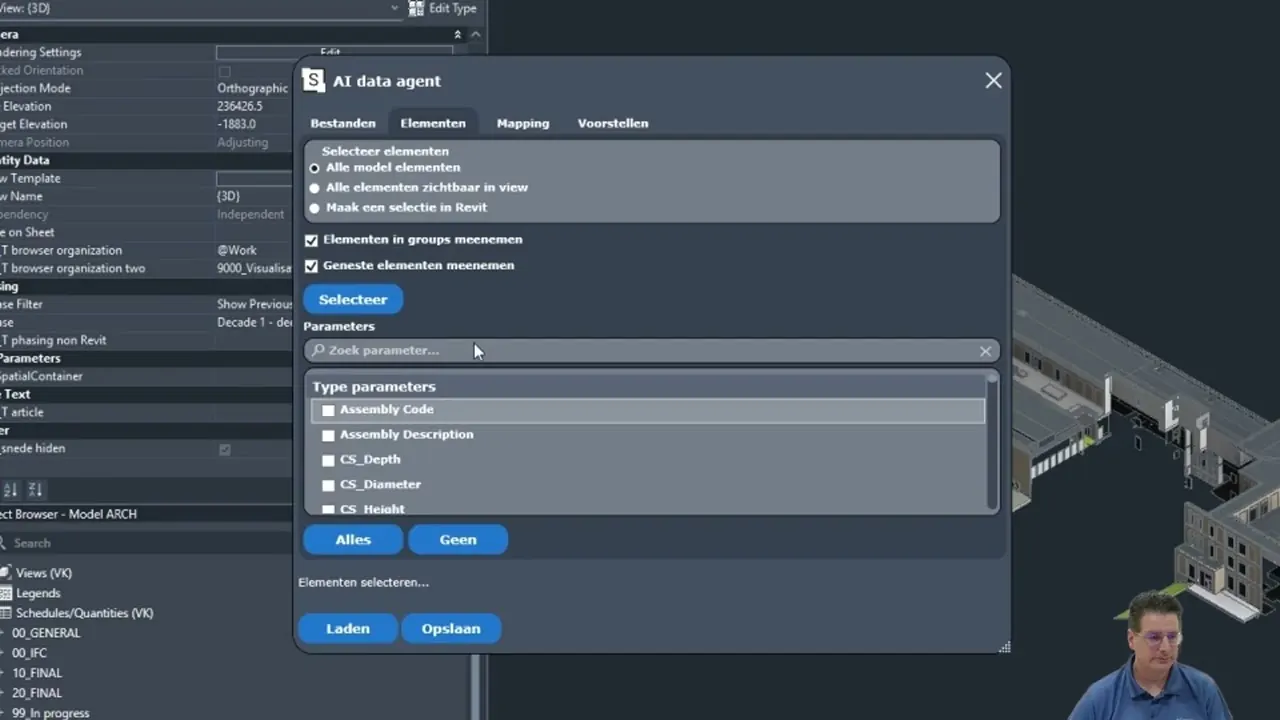
Four tabs, right inside Revit.
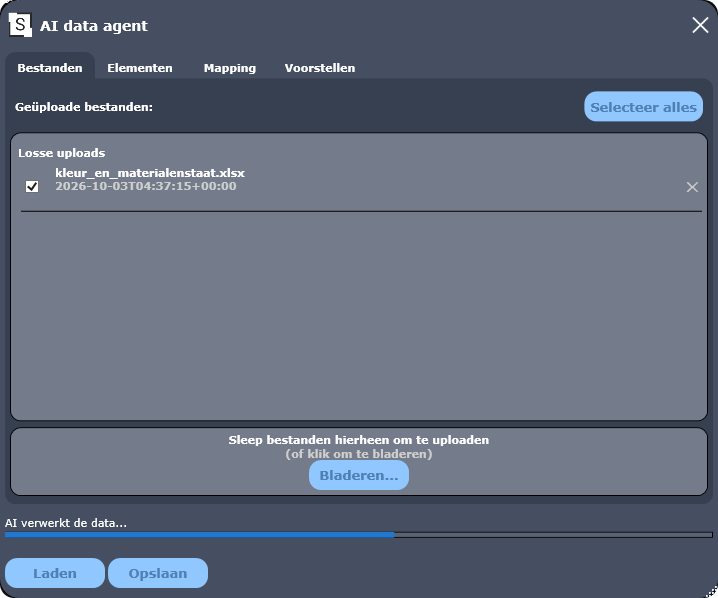
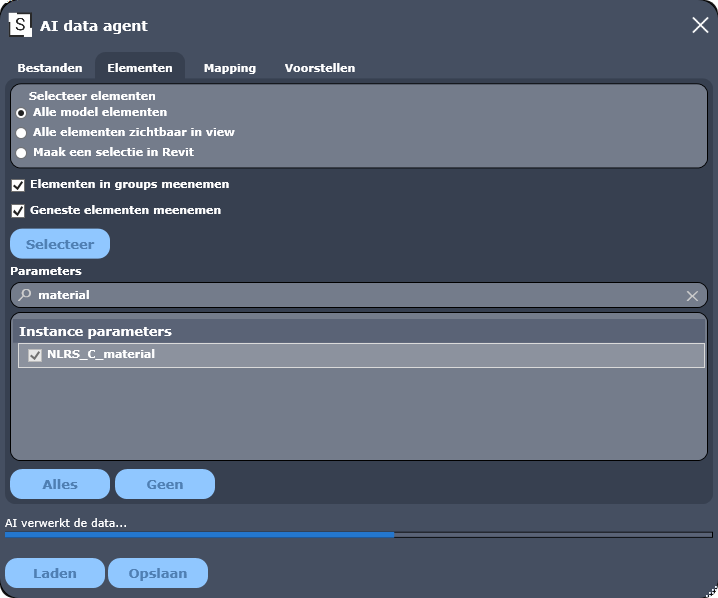
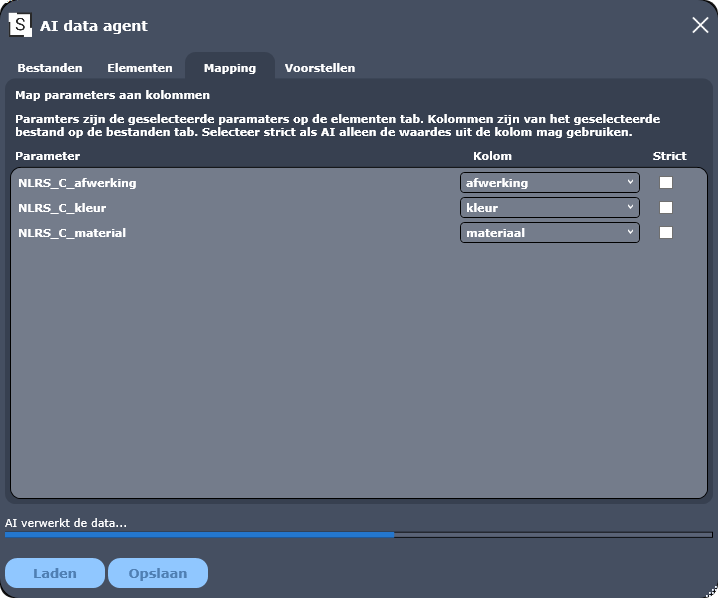
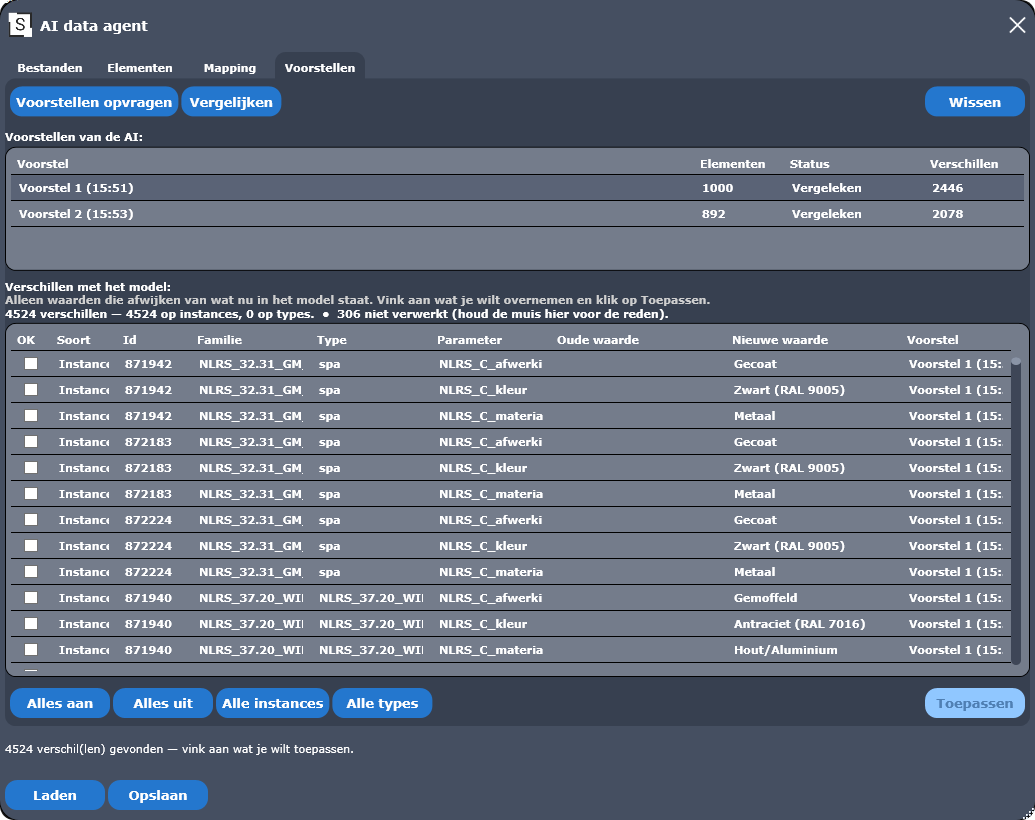
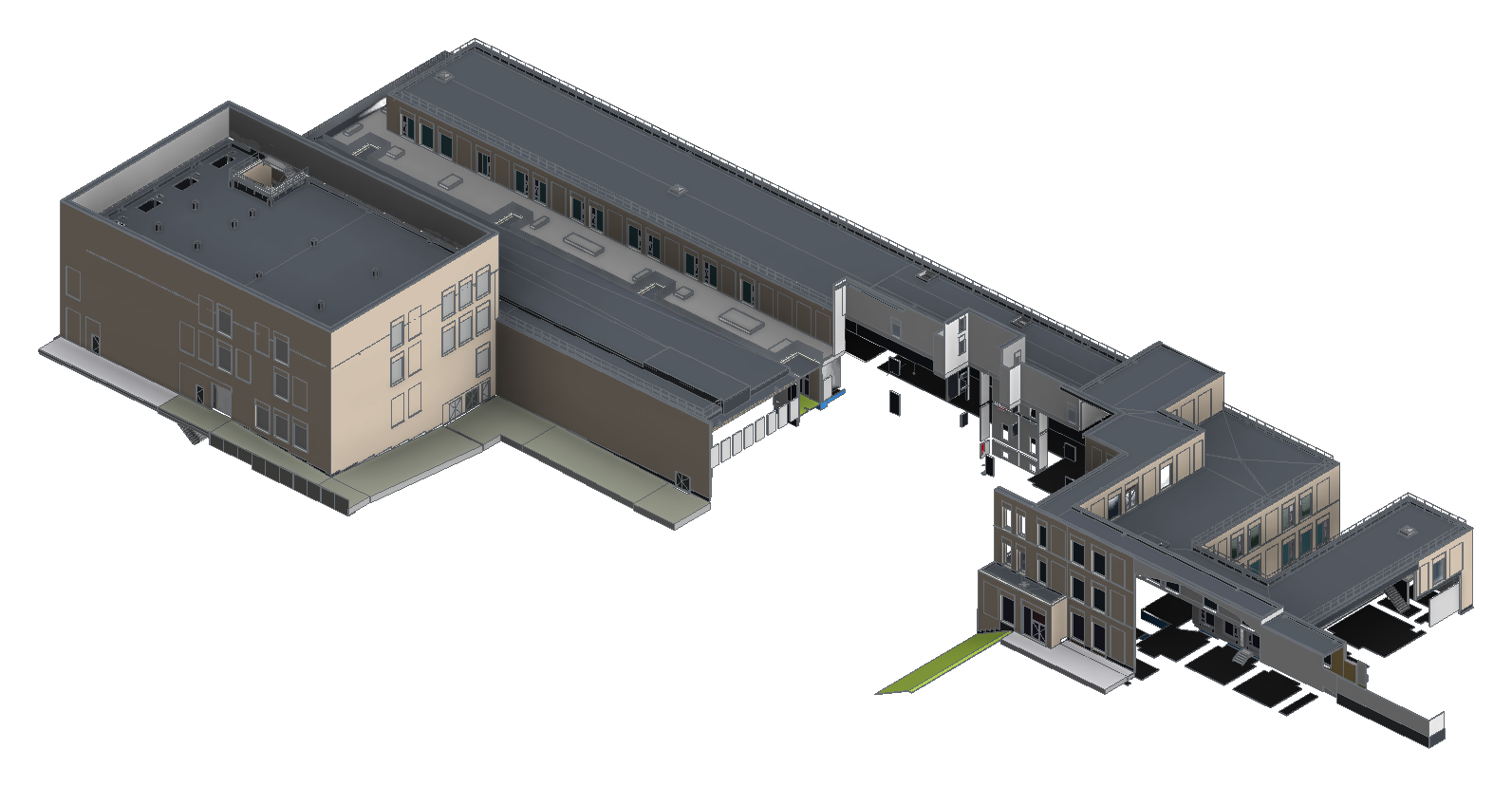
334 technical data sheets. From PDF to parameters.

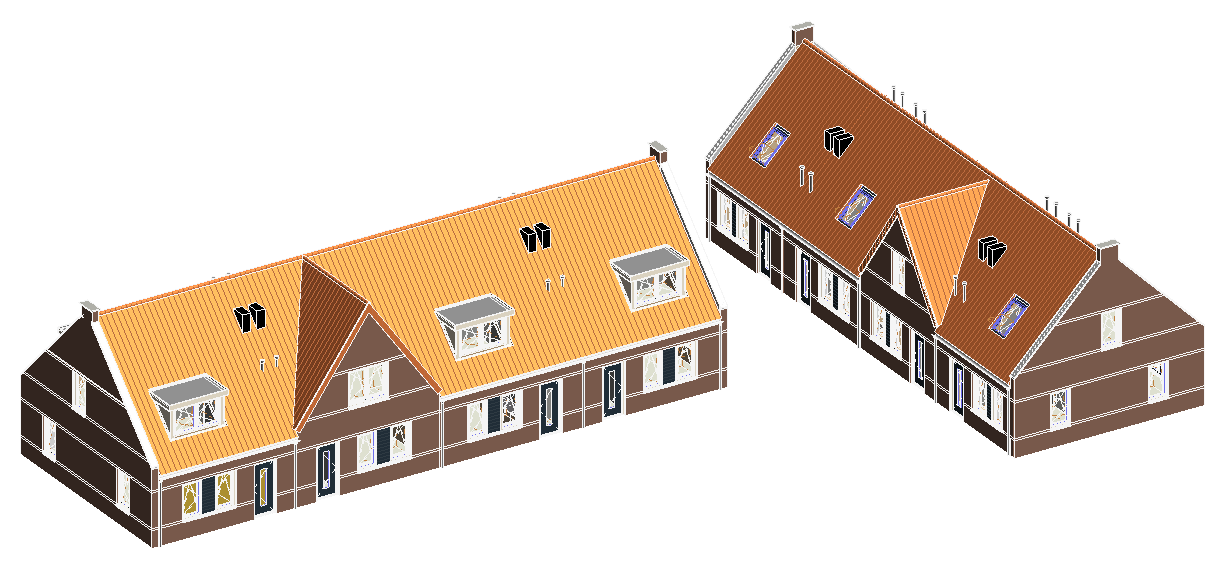
Colour and material schedule. Into the model in 5 minutes.
The finish, colour and material columns from the Excel schedule go straight into the matching parameters in the Revit model.
See the agent at work in Revit.
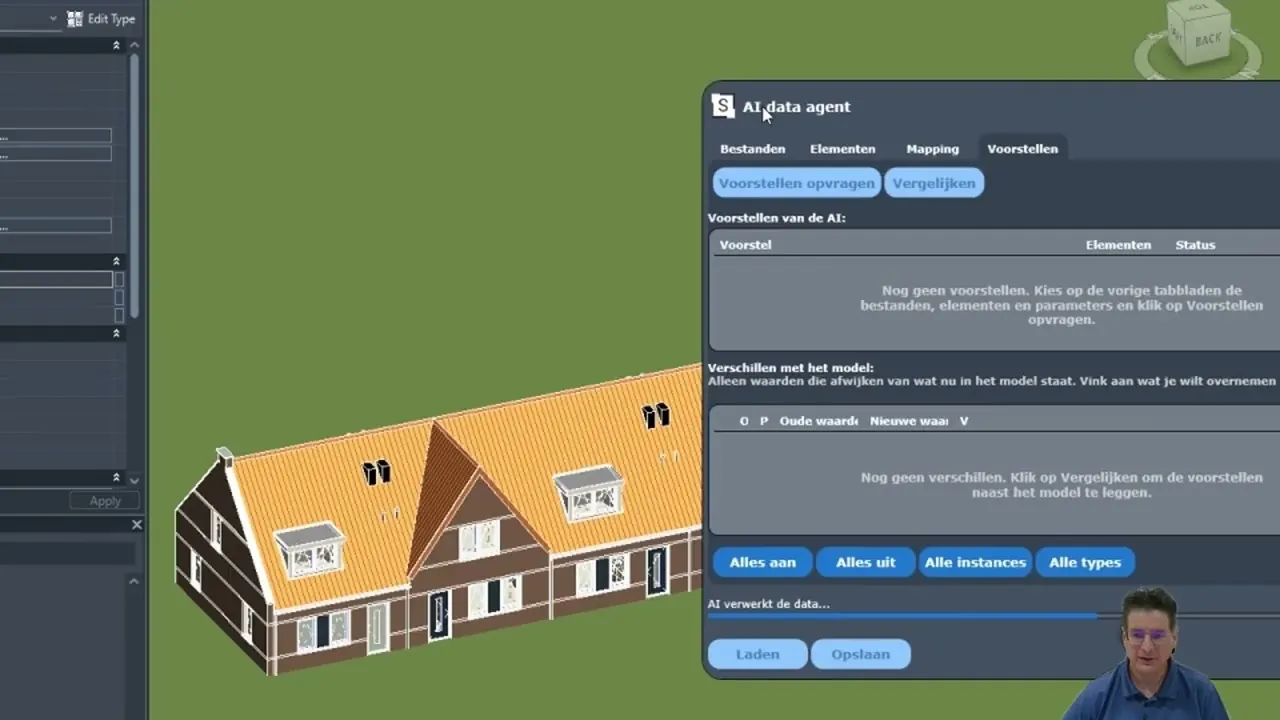
Processing a colour and material schedule in Revit
How to process a colour and material schedule into your Revit model with the AI agent. Video in Dutch.
Processing technical data sheets in Revit
How to bring data from technical data sheets into your Revit model. The AI does the classification. Video in Dutch.
Try it free, upgrade when it works.
See it with your own model?
Questions about the AI Revit agent
What is the Spation AI Revit agent?
A free Revit add-in with AI. The agent reads your sources, such as PDFs, Excel schedules, technical data sheets and product data sheets, and uses them to fill the right parameters of elements in your Revit model automatically. You approve every proposal before it goes into the model.
Can I fill Revit parameters automatically with AI?
Yes. You upload your source in the add-in, choose which elements and parameters the agent may fill and link parameters to columns. The agent finds the right row in the table for each element and proposes the values. Whatever you tick goes into the model.
Which files can the agent read?
PDF, text, images and Excel. For example technical data sheets, colour and material schedules and product data sheets from suppliers.
Does my table need to be classified first?
No. The agent classifies first and finds the matching row in the table for each Revit element. Then it transfers the values to the parameters.
How do I prevent the AI from making up values?
With strict mode the server validates every proposal: only values that are actually in the source get through. And nothing goes into the model without your approval: human in the lead.
Which Revit versions does the add-in support?
Autodesk Revit 2024, 2025 and 2026 on Windows. New Revit versions get an update.
What does the AI Revit agent cost?
You download and use the add-in for free. The licence is linked to your Spation account, which you create in the same step.
What does it deliver?
For Züblin (UZ Gent) the agent processed 334 technical data sheets into more than 8,000 Revit elements, in about two hours per model instead of a week of manual work. For 8 houses in Deil a colour and material schedule was in the model in 5 minutes.